 Vodwise
Features
Multistream chat, bot, alerts and automatic editing, in one app
Vodwise brings together, in one Windows app, what you use before, during and after your stream. These are its eight areas; the detail of each one is in the help.
Not available yet. Coming later.
-
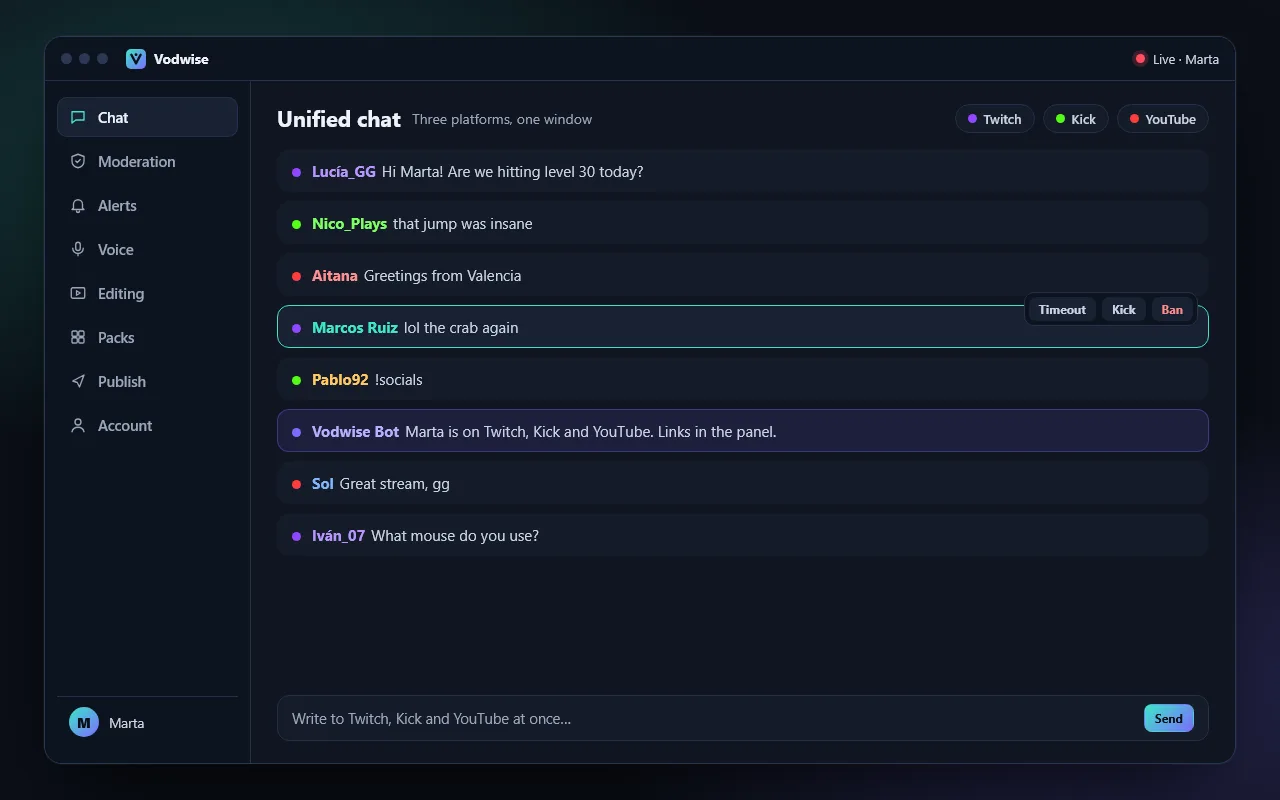
Unified chat
Twitch, Kick and YouTube in a single window, with badges and emotes.
You reply on all three platforms and moderate with one click from the username.
-
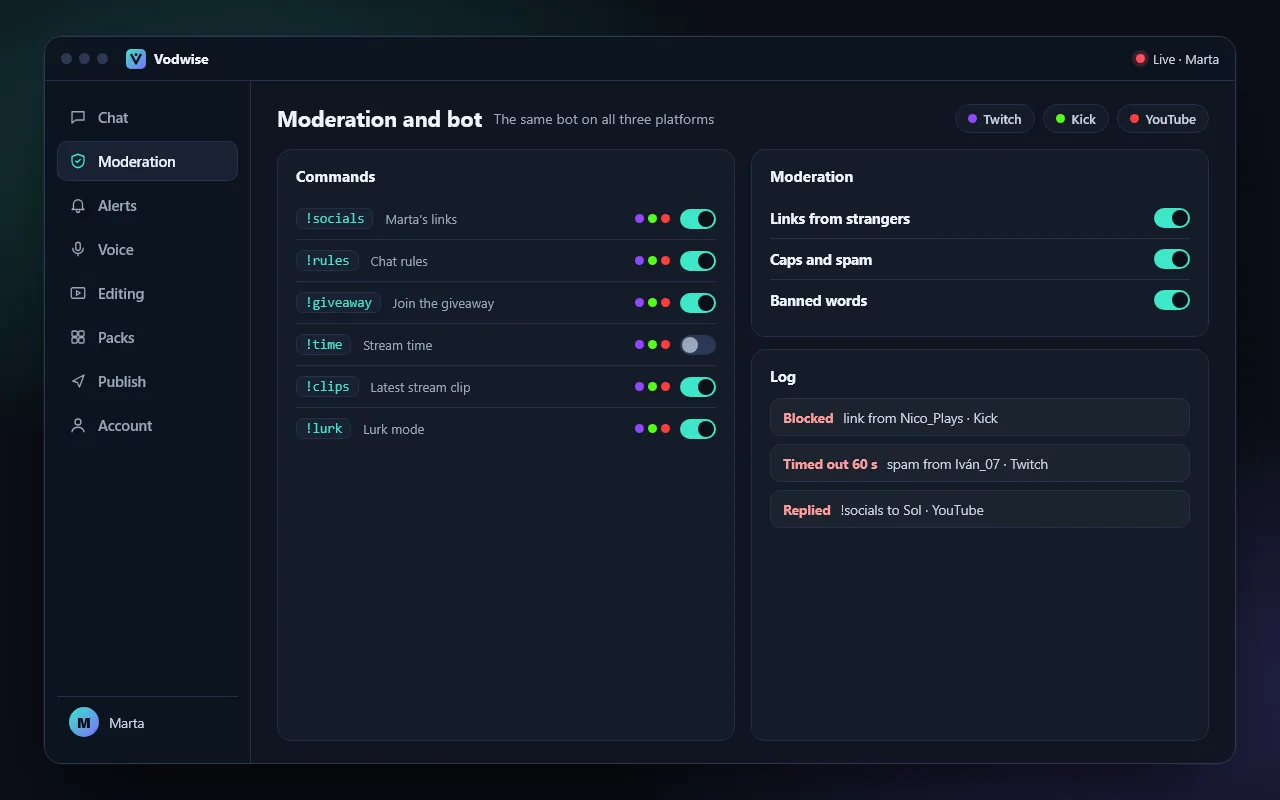
Moderation and bot
Commands, timers, thank-yous and spam filters.
The same bot on all three platforms, with a switch for each command.
-
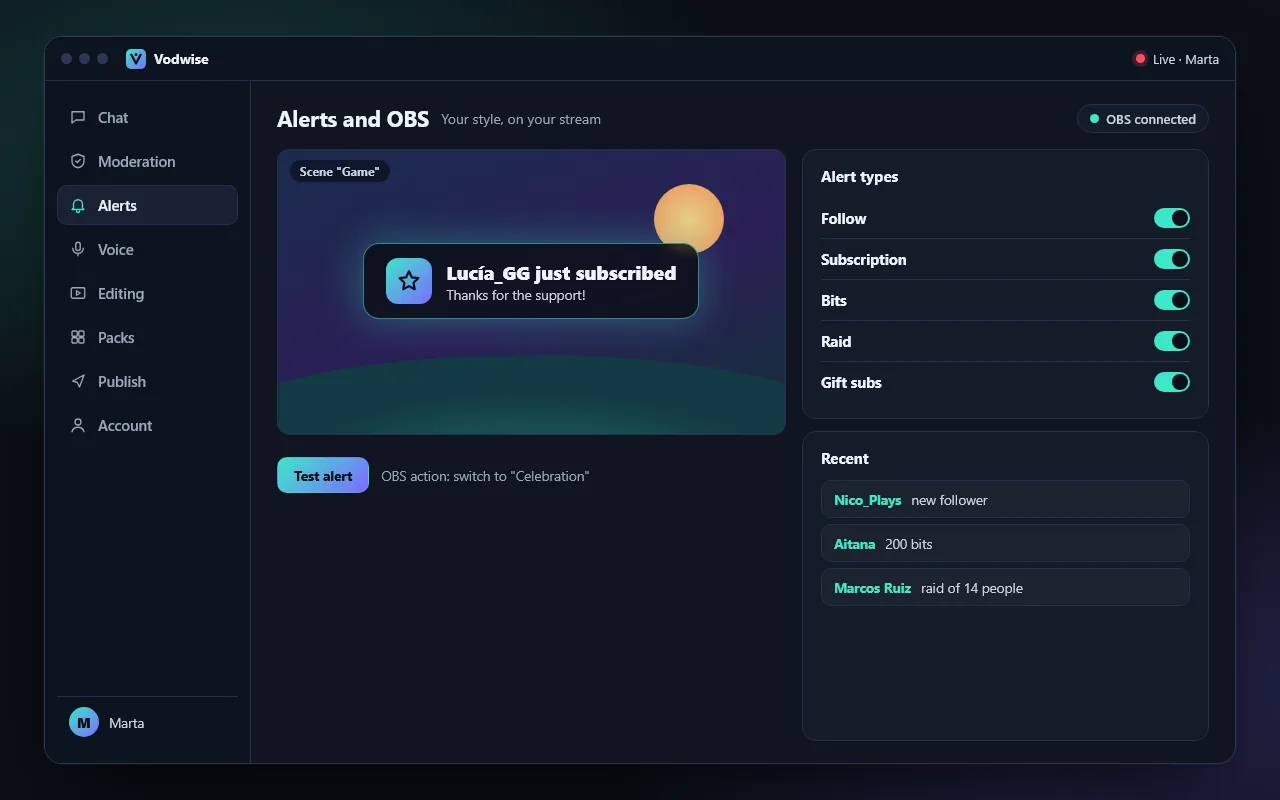
Alerts and OBS
Animated alerts by type and platform, overlays and scenes made to measure.
Vodwise helps you set up OBS and works with Stream Deck and button boxes.
-
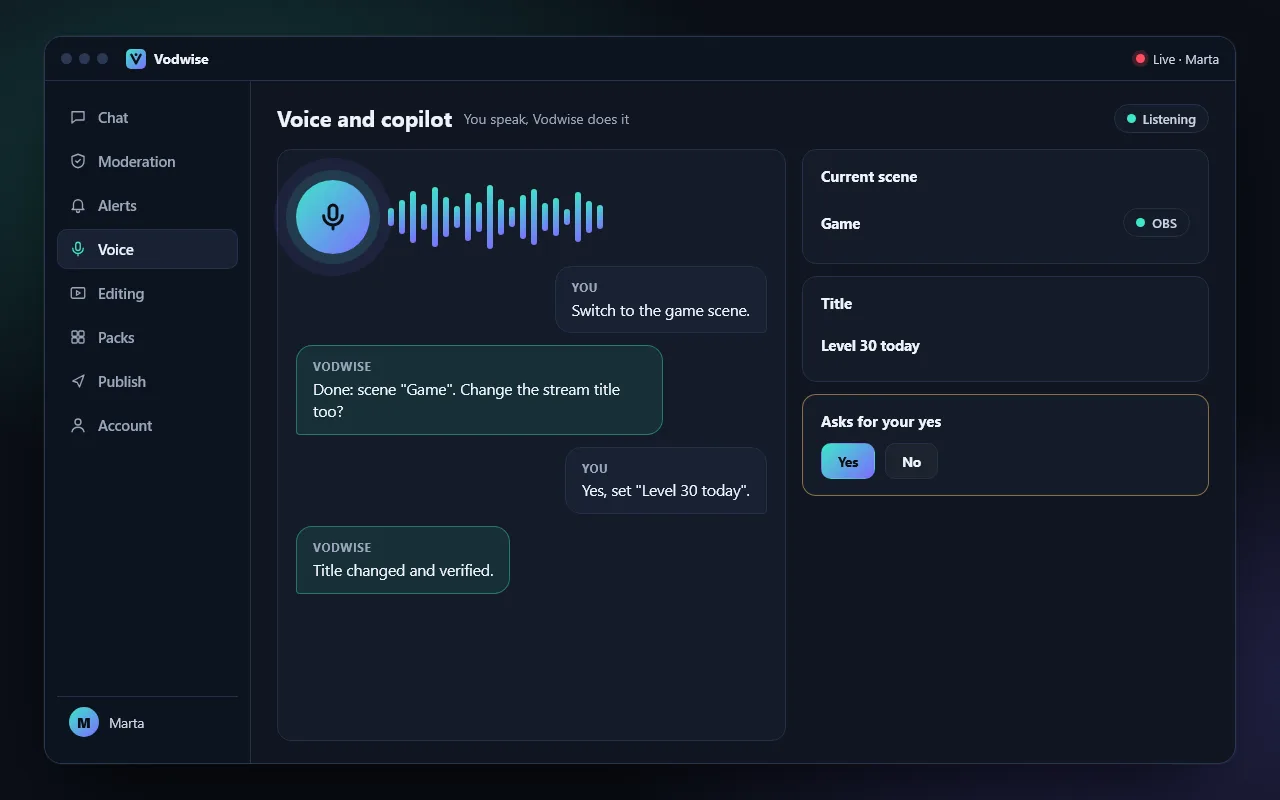
Voice and copilot
You talk to Vodwise like you would to a person: change scene, title or category.
It prepares the change, shows it to you and applies it when you say “yes”.
-
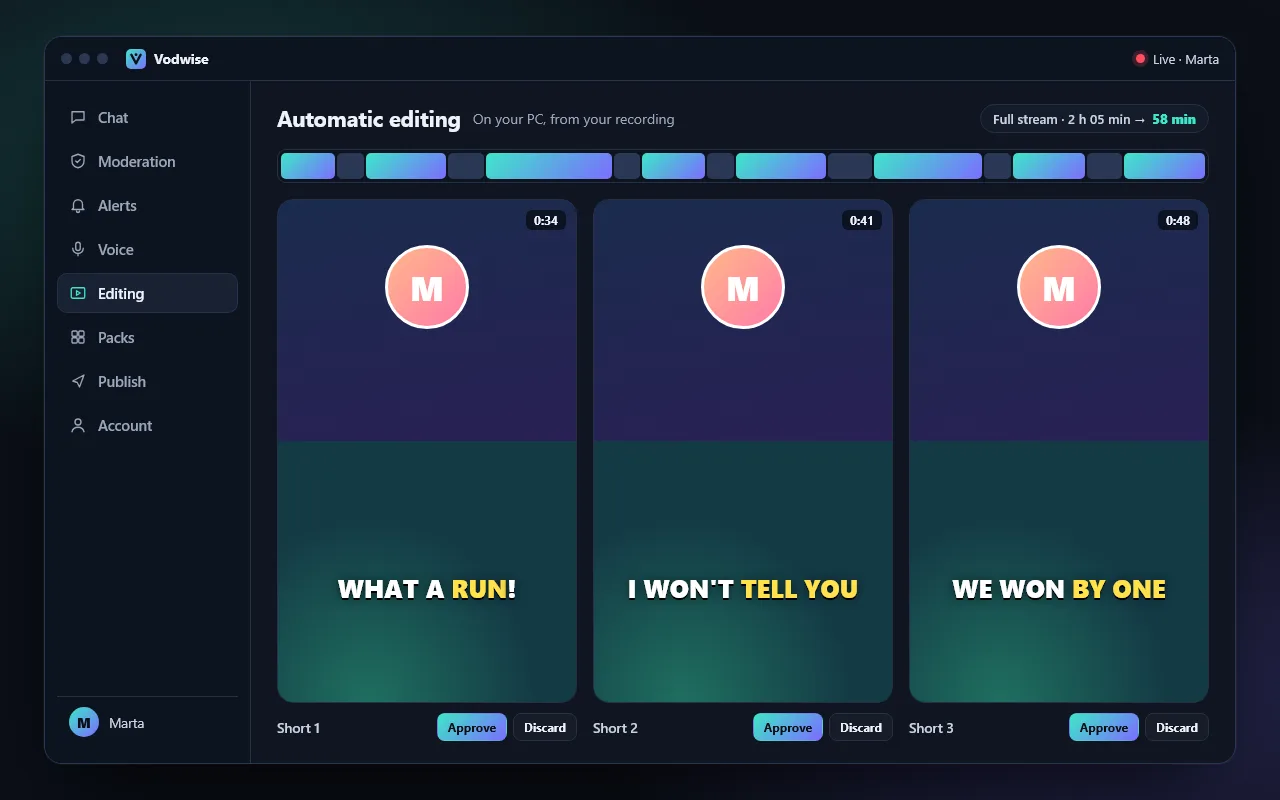
Automatic editing and Shorts
When the stream ends, Vodwise trims silences, picks the moments and builds the video with chapters and subtitles.
Between 4 and 6 vertical Shorts per stream, no watermark.
-
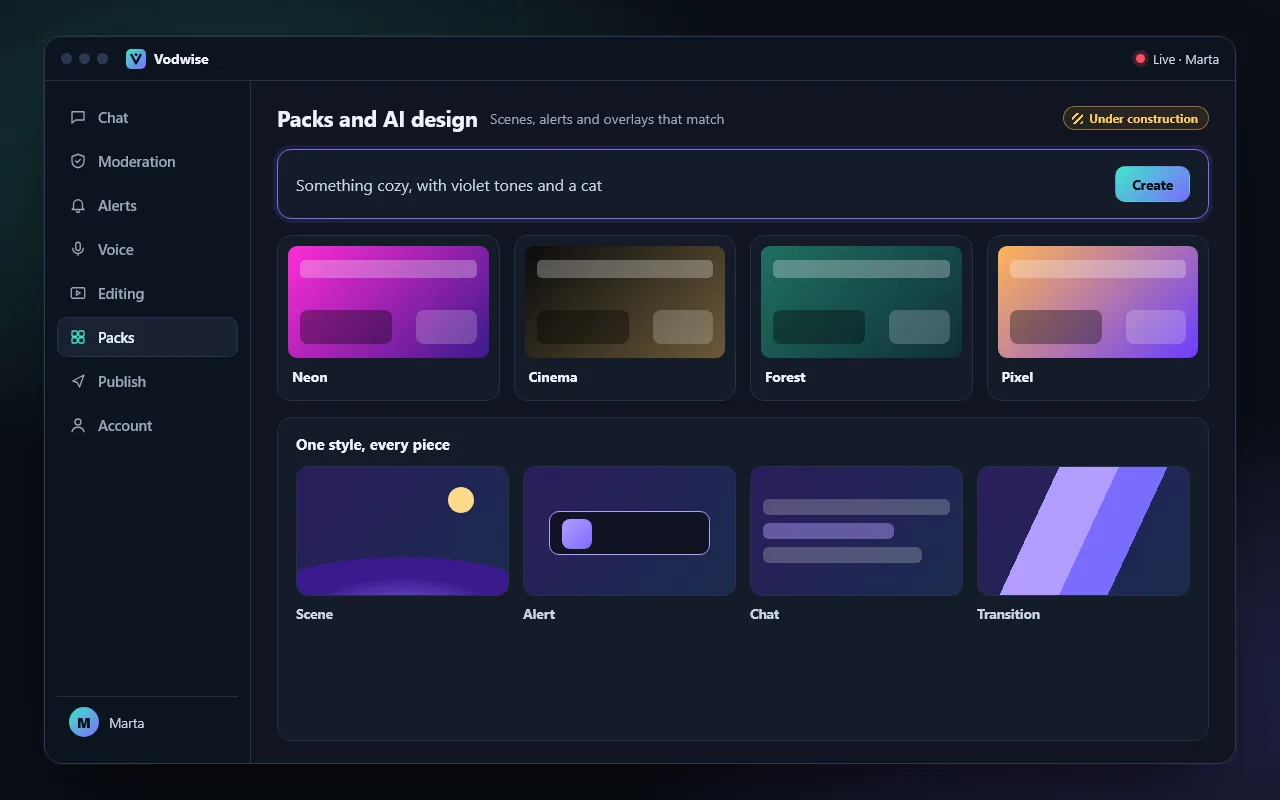
Packs and AI design
Describe your style and the AI proposes scenes, alerts and overlays that match your logo.
The ready-to-use packs: Under construction
-
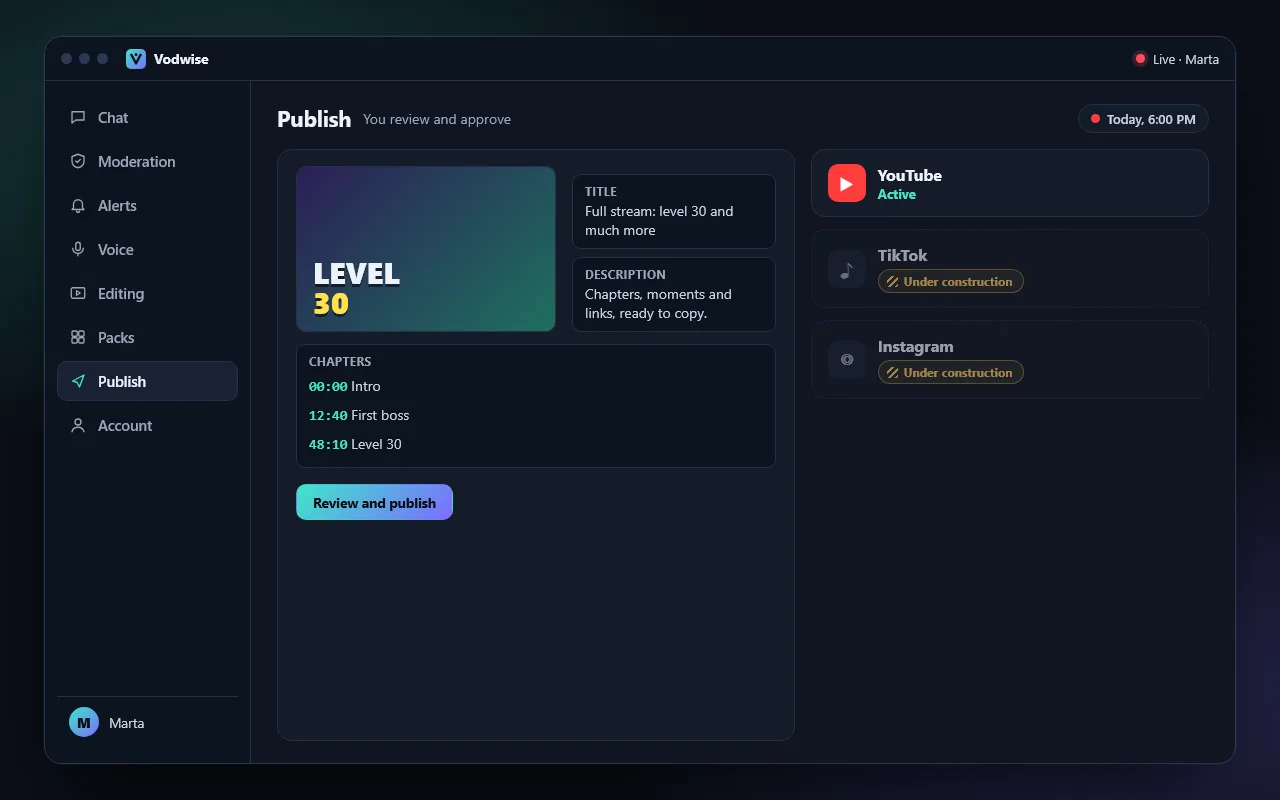
Publishing
YouTube: the video goes up as private and you review the video and its texts before publishing it.
TikTok and Instagram: Under construction
-
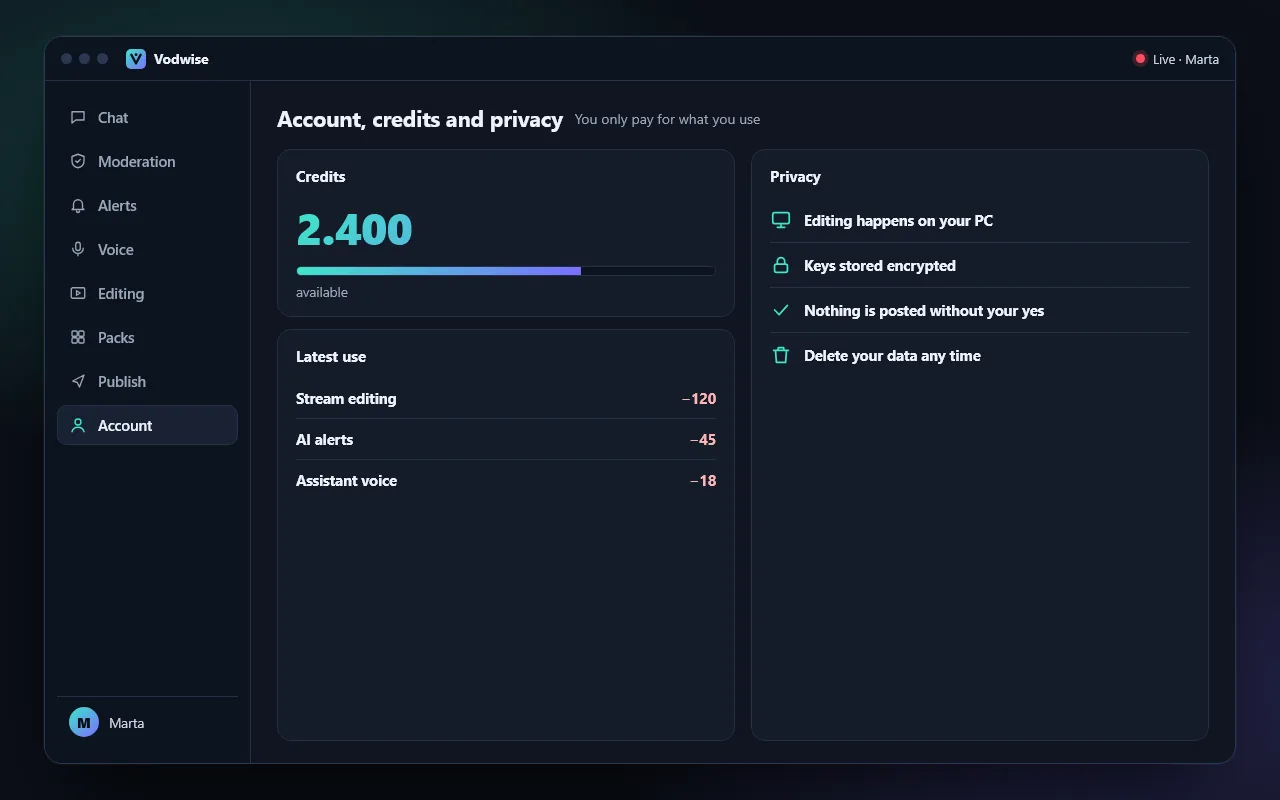
Account, credits and privacy
You pay with credits for what you use, and top-ups never expire.
Editing happens on your PC and nothing is published without your approval.
The detail lives in the help
Common questions and step-by-step guides are in the help.
Not available yet. Coming later.